$ show project
Labdex
A small inventory for homelabs that treats zones and names as first-class. Describe networks, hosts, interfaces and services once, and Labdex checks them against your conventions and generates what the rest of the lab needs.
Background
Why I built it
NetBox is great, but for a homelab it's steep to learn and heavy to run. I wanted something small and simple that fits in the lab itself, and I use it in my own.
What it does
The middle ground between a spreadsheet and NetBox.
Inventory & IPAM
Networks with VLANs, prefixes and DHCP ranges, hosts with interfaces and services, and the next free address per network.
Zones
Every network and host belongs to a zone such as DC_TC, and lint makes sure nothing sits above its trust level.
Naming rules
Functional names like srv-vm-dns-01 with the next number filled in, plus fun names as CNAMEs.
Firewall aliases
Generated per network, zone, area and host, and synced to OPNsense.
DNS & Ansible
A, AAAA, CNAME, SRV and TXT records, and an Ansible inventory with groups, host vars and login banners.
Discovery
nmap, the OPNsense ARP table and DHCP leases show what's really on the network.
Plugins
Technitium, Proxmox, k3s, Docker, Traefik, UniFi, Tailscale, Prometheus and more from the marketplace.
Vault & backups
A built-in vault for secrets and scheduled, encrypted backups to a folder, NFS or S3.
History
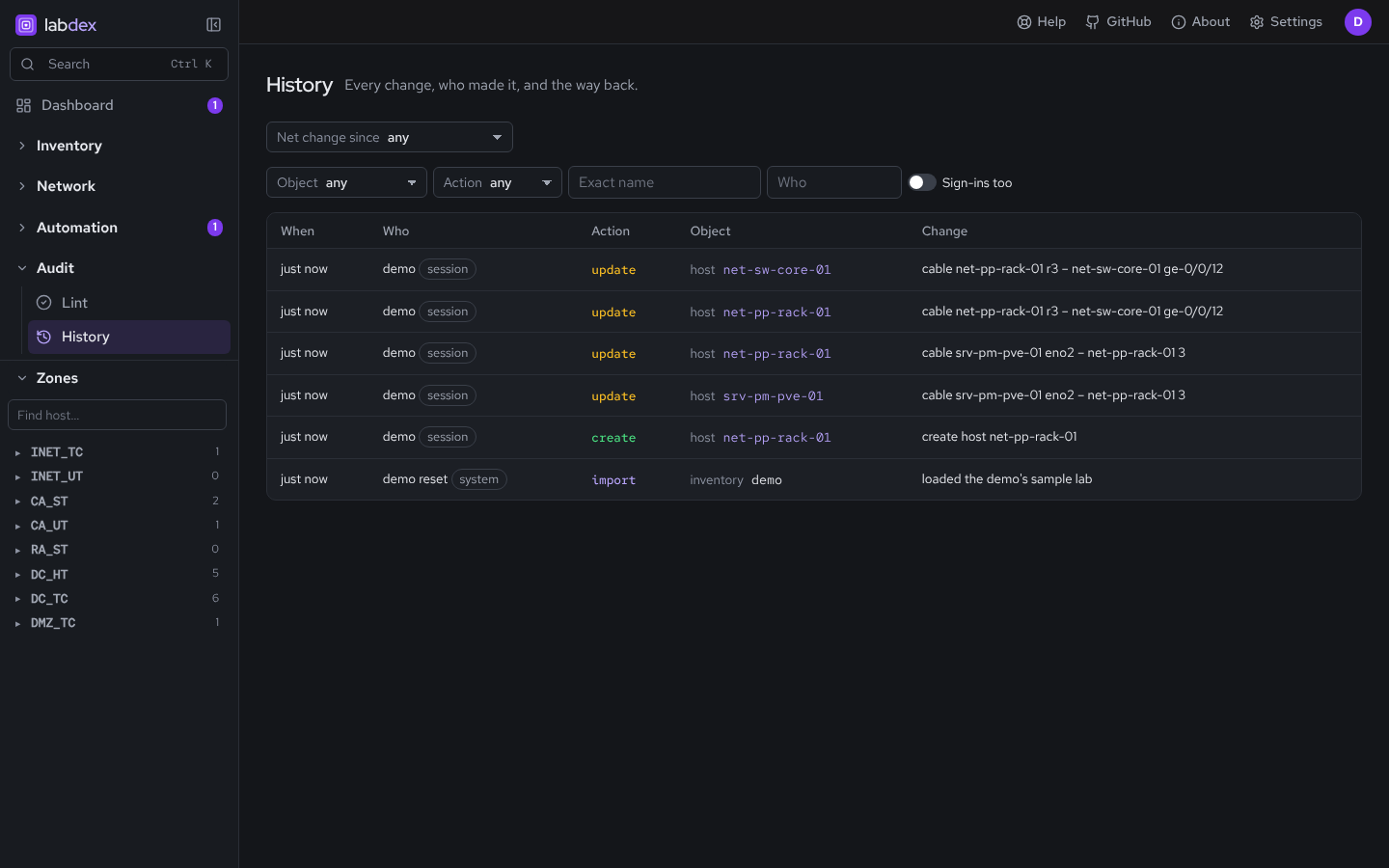
Every change is recorded with a diff and can be reverted. Roles can be bound to zones, tags or names.
$ show screenshots
A look inside
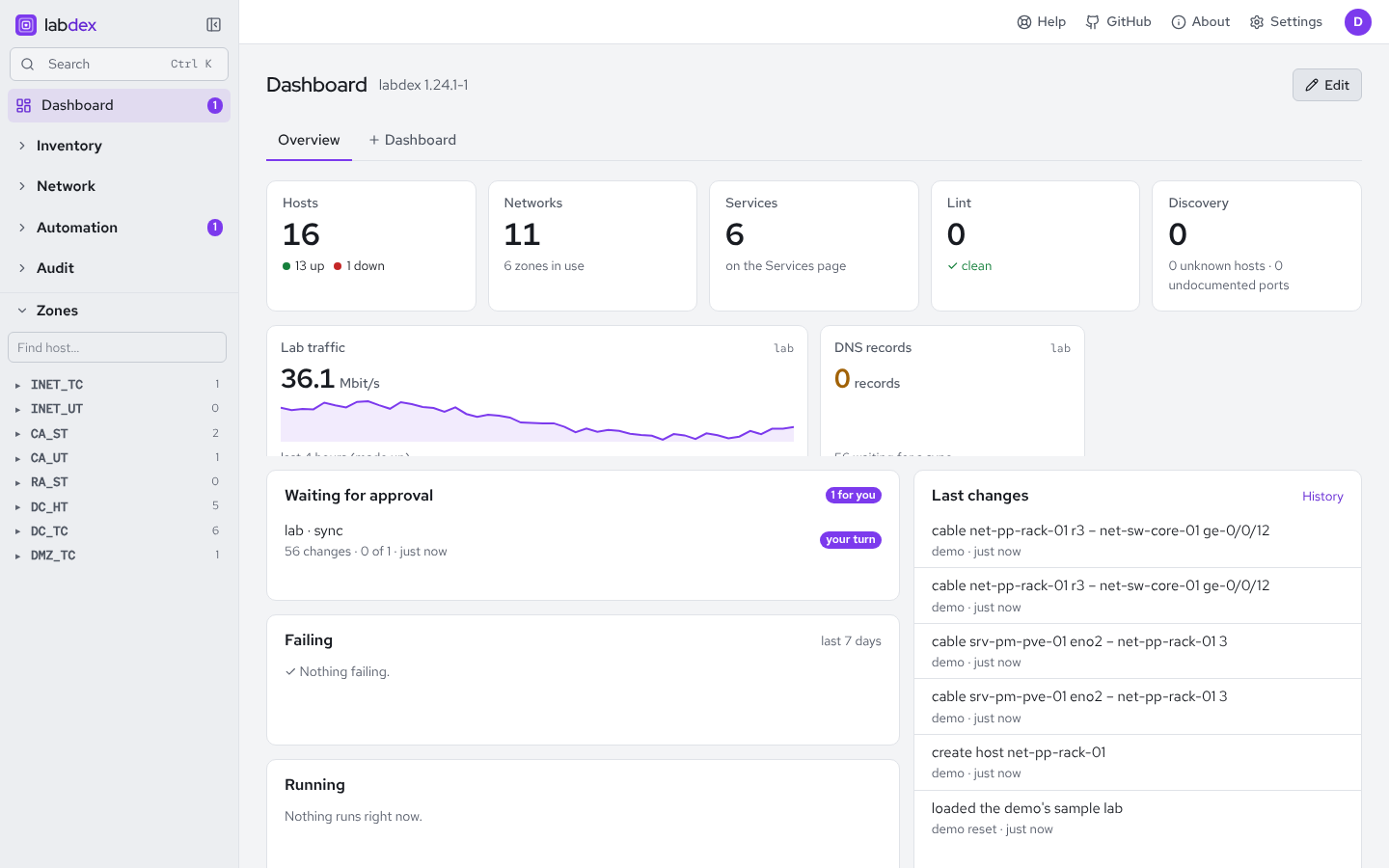
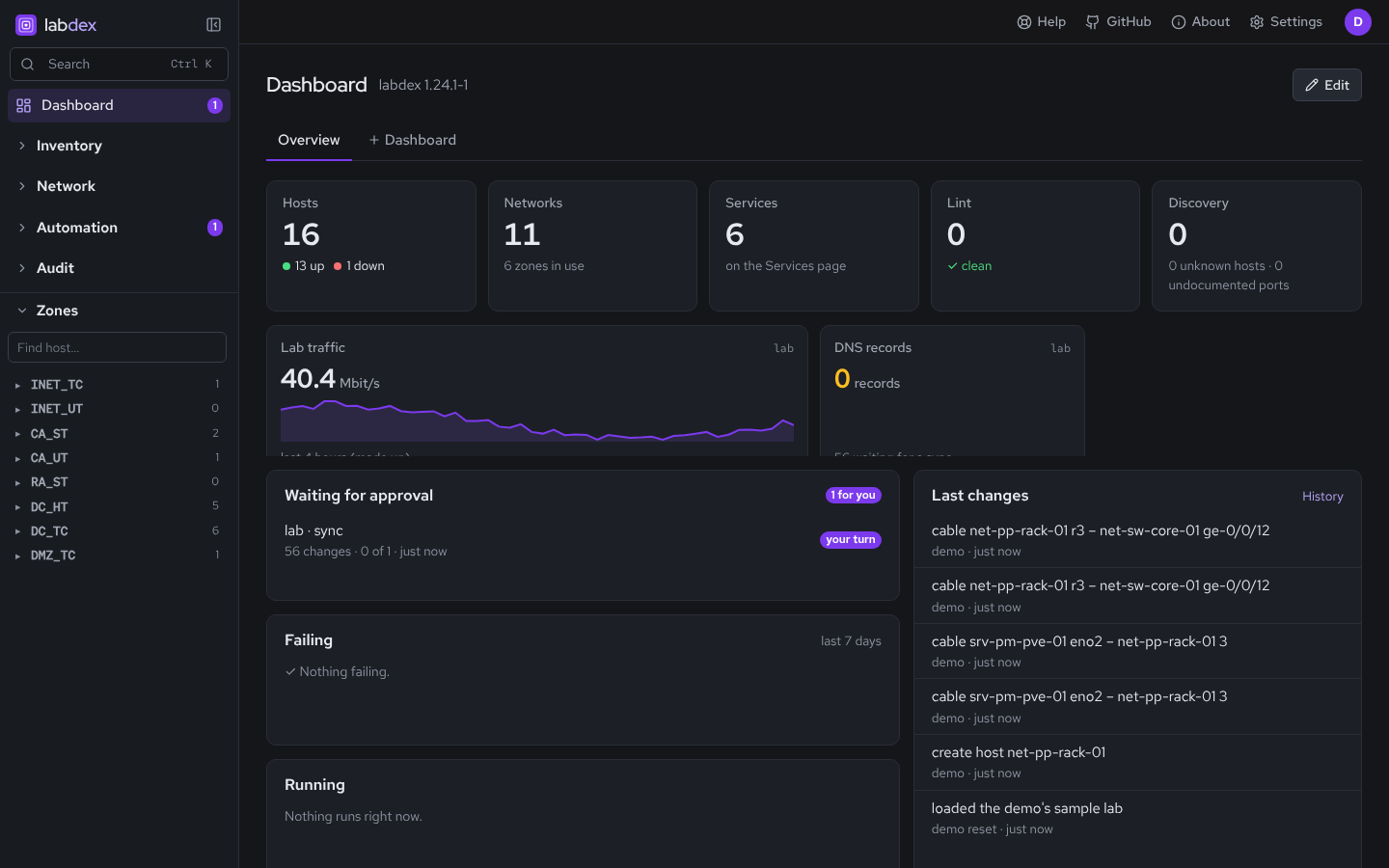
From the demo inventory: a two-person homelab with an OPNsense edge firewall, two Proxmox hosts, a k3s cluster and a DMZ.
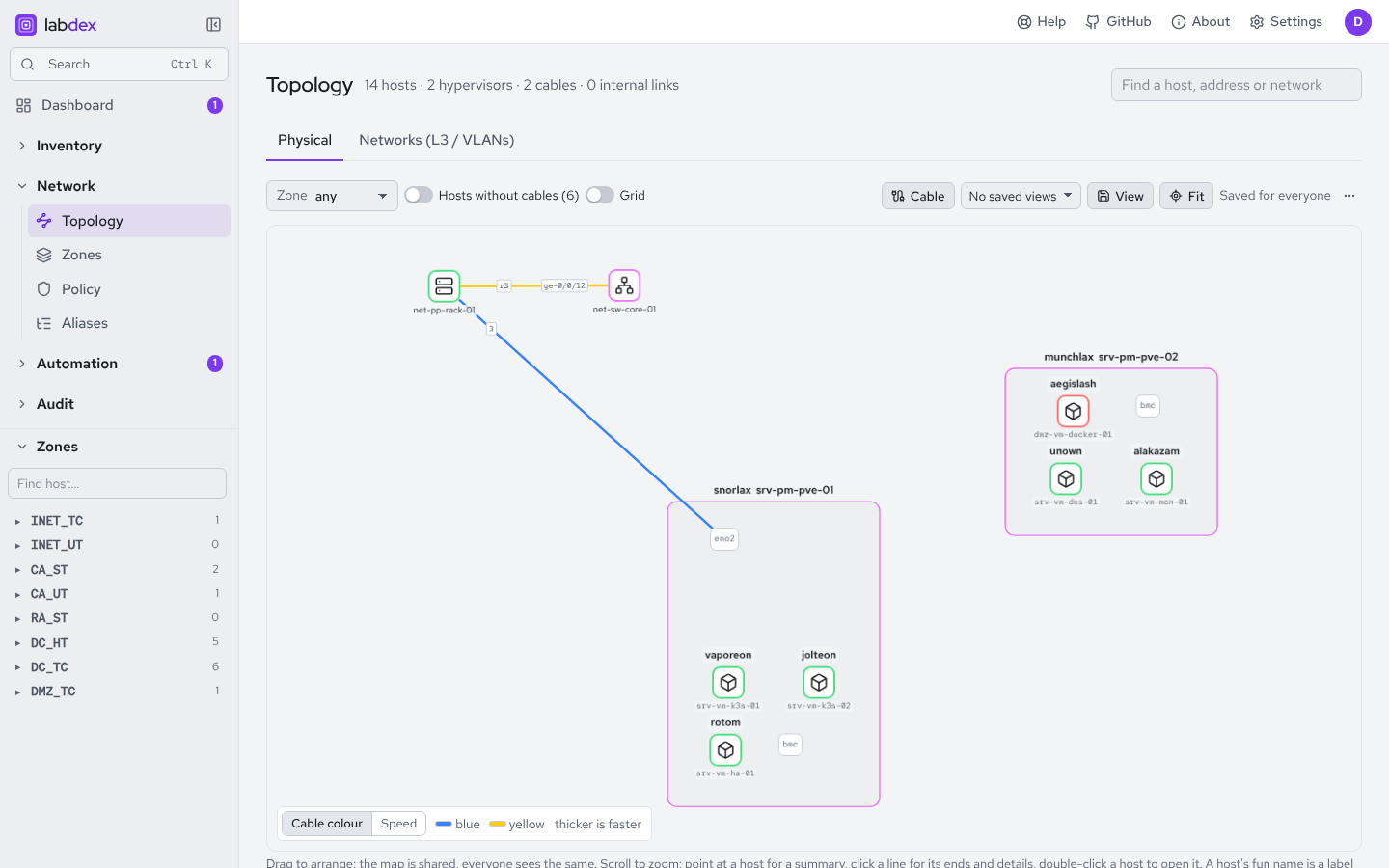
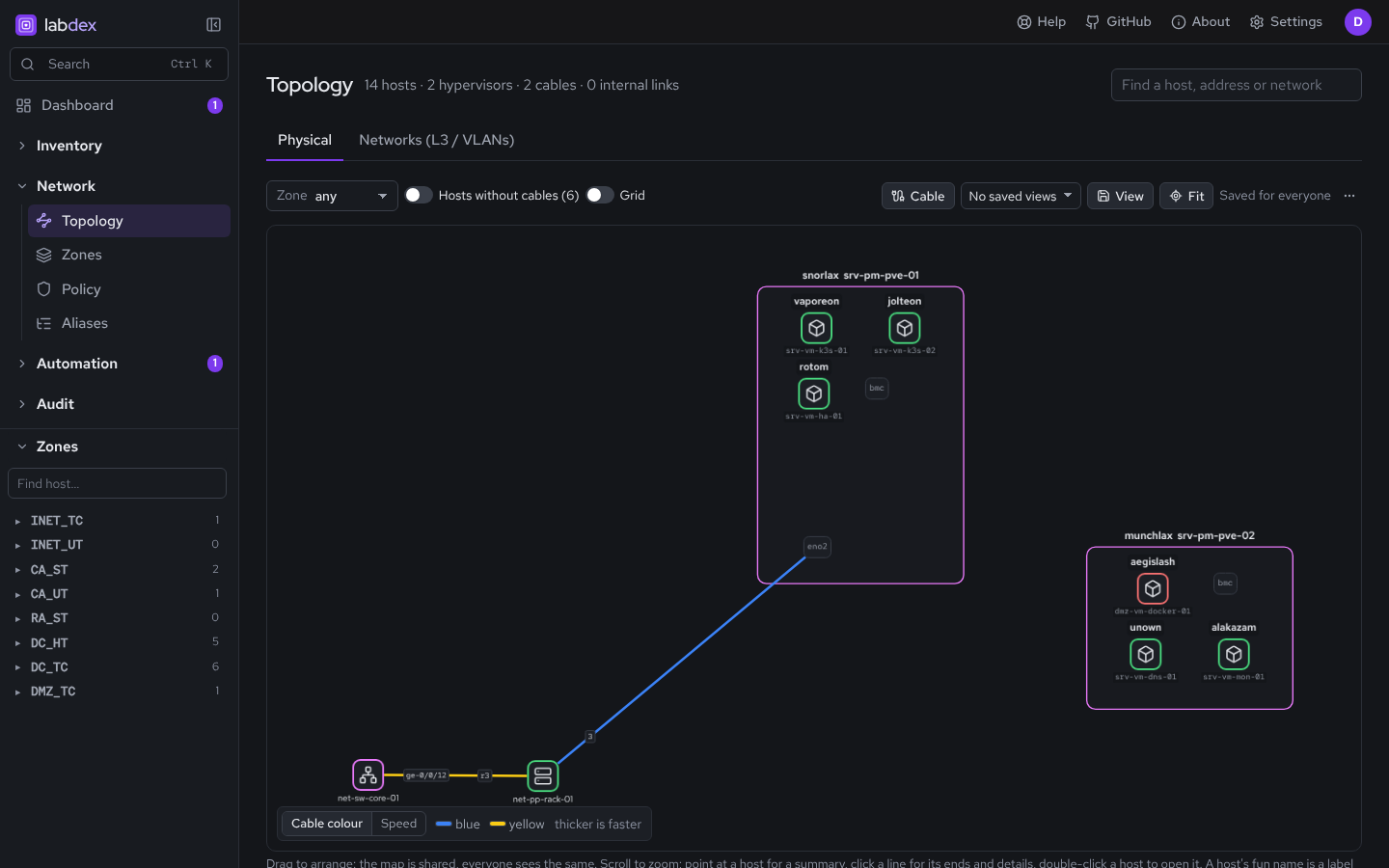
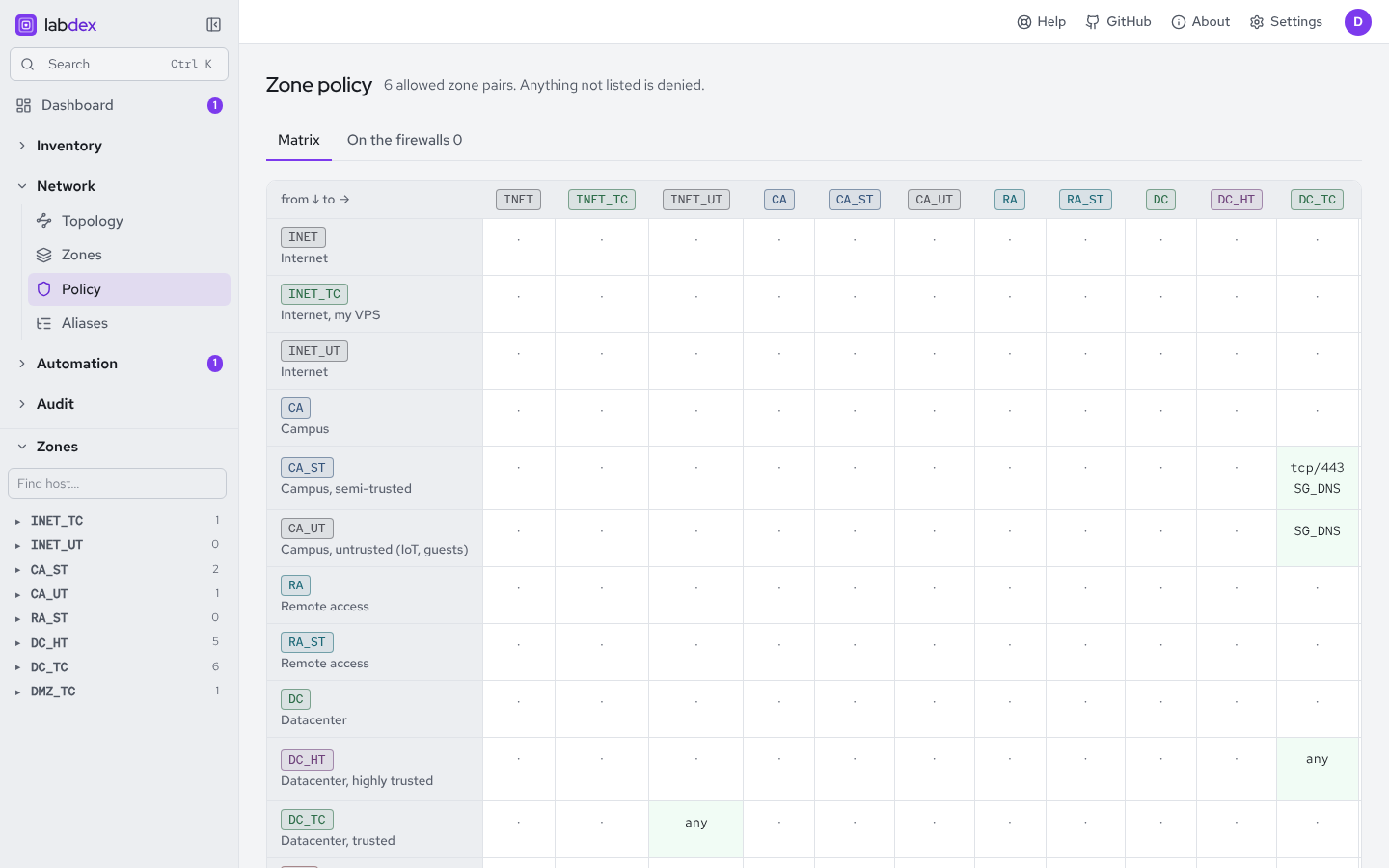
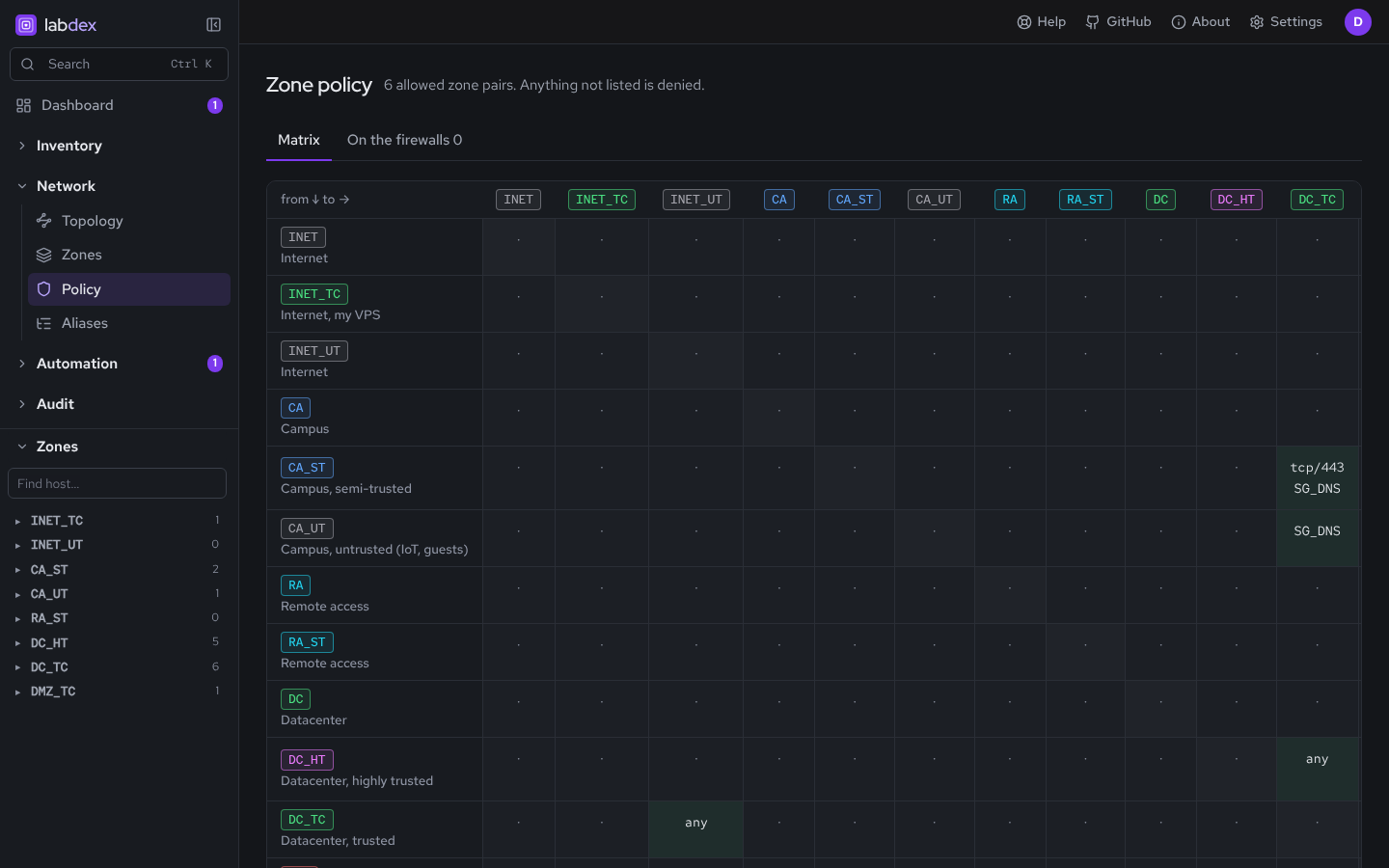
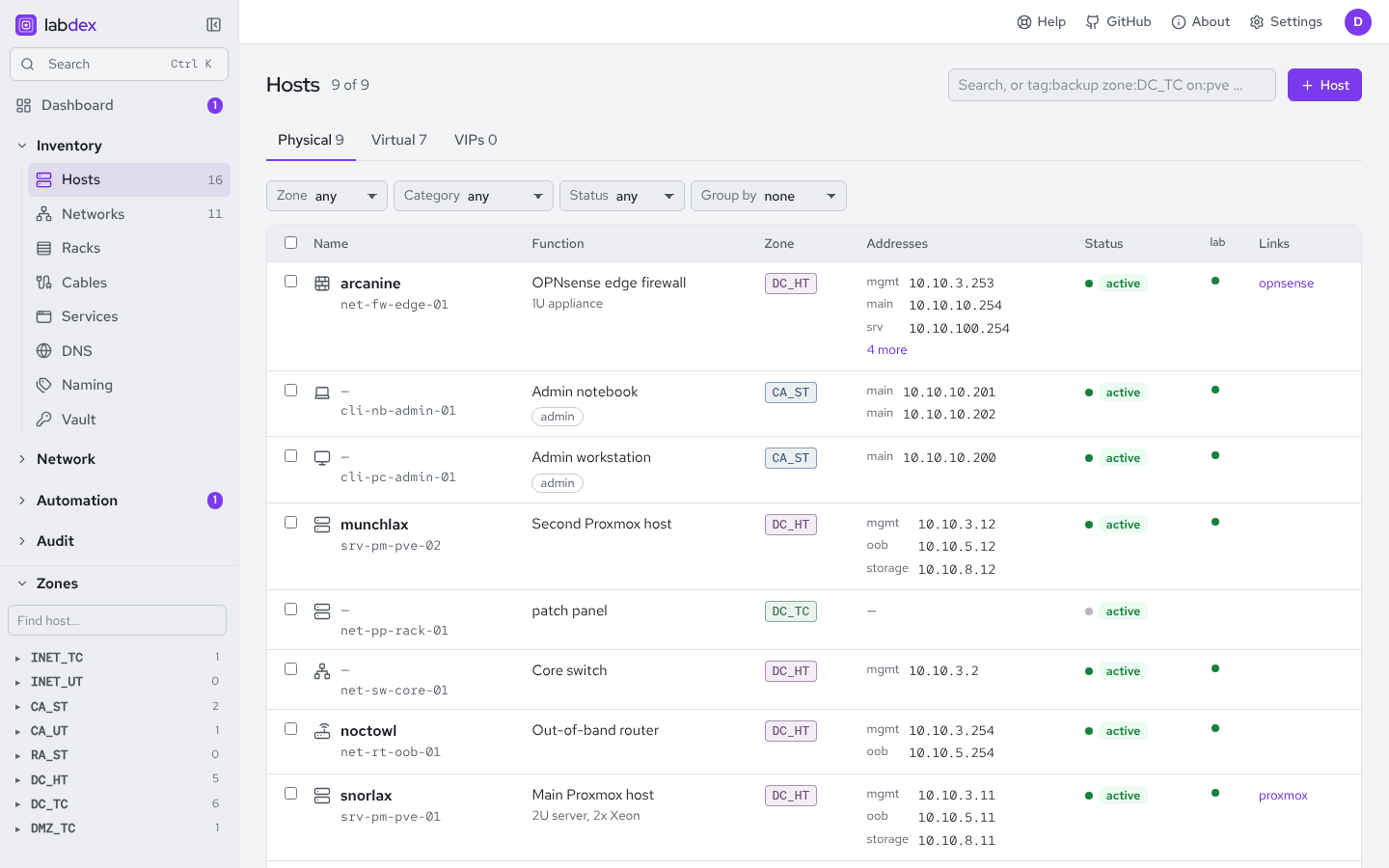
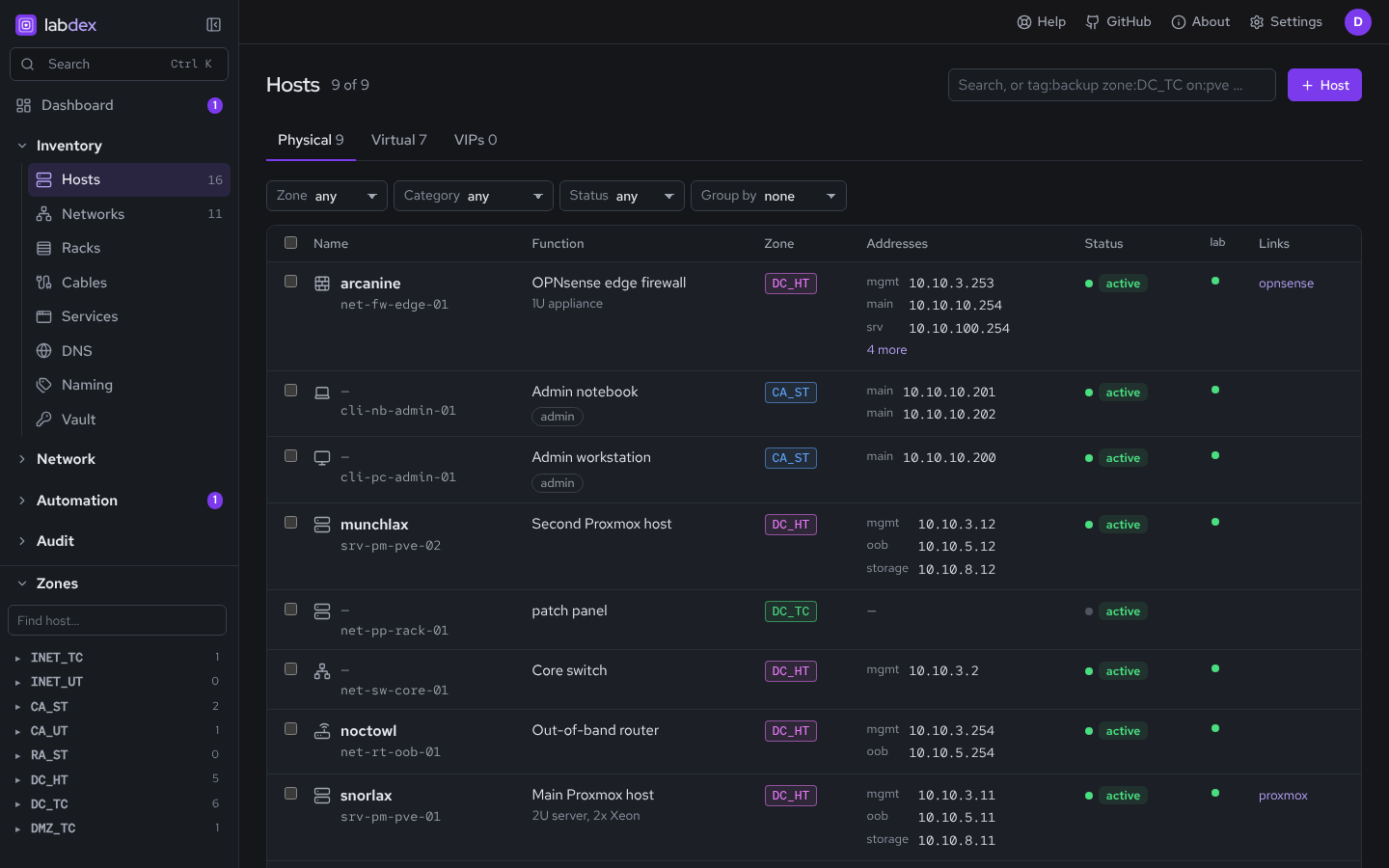
srv-vm-dns-01 and live up/down dots.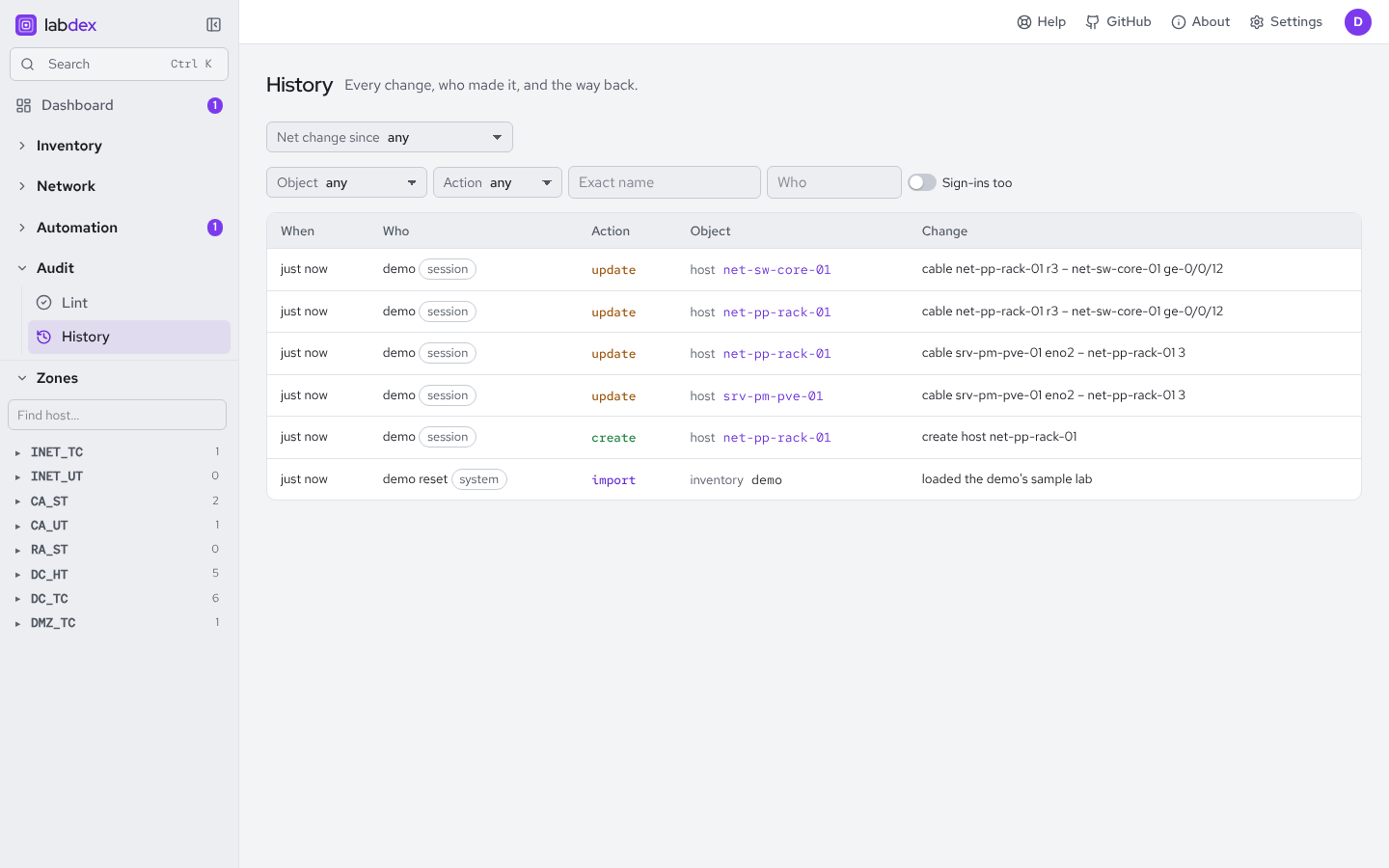
$ cat inventory.yaml
Your lab, in YAML.
Import it, keep it in git, and lint it in CI. This is a piece of the example inventory.
# examples/homelab.yaml
networks:
  - {name: mgmt, vlan: 3,   zone: DC_HT, prefix4: 10.10.3.0/24}
  - {name: srv,  vlan: 100, zone: DC_TC, prefix4: 10.10.100.0/24}
  - {name: k8s,  vlan: 128, zone: DC_TC, prefix4: 10.10.128.0/24}
  - {name: dmz,  vlan: 150, zone: DMZ_TC, prefix4: 10.10.150.0/24}
  - {name: iot,  vlan: 201, zone: CA_UT, prefix4: 10.10.201.0/24}
hosts:
  - name: net-fw-edge-01
    fun: arcanine
    function: OPNsense edge firewall
$ labdex import inventory.yaml
$ labdex lint
# exit 1 on errors, so it can gate CI
$ labdex action fw-main sync_aliases
# shows the plan first
$ labdex action fw-main sync_aliases --apply
$ labdex backup create -o lab.bak
$ show running-config | include safety
Plan first, then apply.
Nothing leaves Labdex unless you add an integration for it, and integrations that change another system show you a plan first.
Change sets
Write a batch of changes as YAML, preview what each one does to aliases, DNS and lint, then apply it all or nothing.
Lint in CI
labdex lint catches duplicate IPs and MACs, VLAN mismatches and DNS clashes, and exits non-zero so it can gate a pipeline.
Services page
Every service with a link becomes a tile, so the homelab dashboard falls out of the inventory.
Locked-down container
Runs as an unprivileged user with a read-only root filesystem. Only /data is writable.
Signed releases
Releases are signed with cosign and ship with SBOMs. Unsigned plugins need an admin's OK.
Stable 1.x
The plugin API, REST API, YAML and backup format stay compatible across 1.x.
Try it
Up in one command
$ docker run -p 8080:8080 -e LABDEX_DEMO=1 ghcr.io/labdex-app/labdex:1
# then open http://127.0.0.1:8080
Labdex is built for home labs on a trusted network. Don't expose it to the internet or use it for business infrastructure.